Best Calculator for SAT and ACT 2026: Top Picks After the CAS Ban
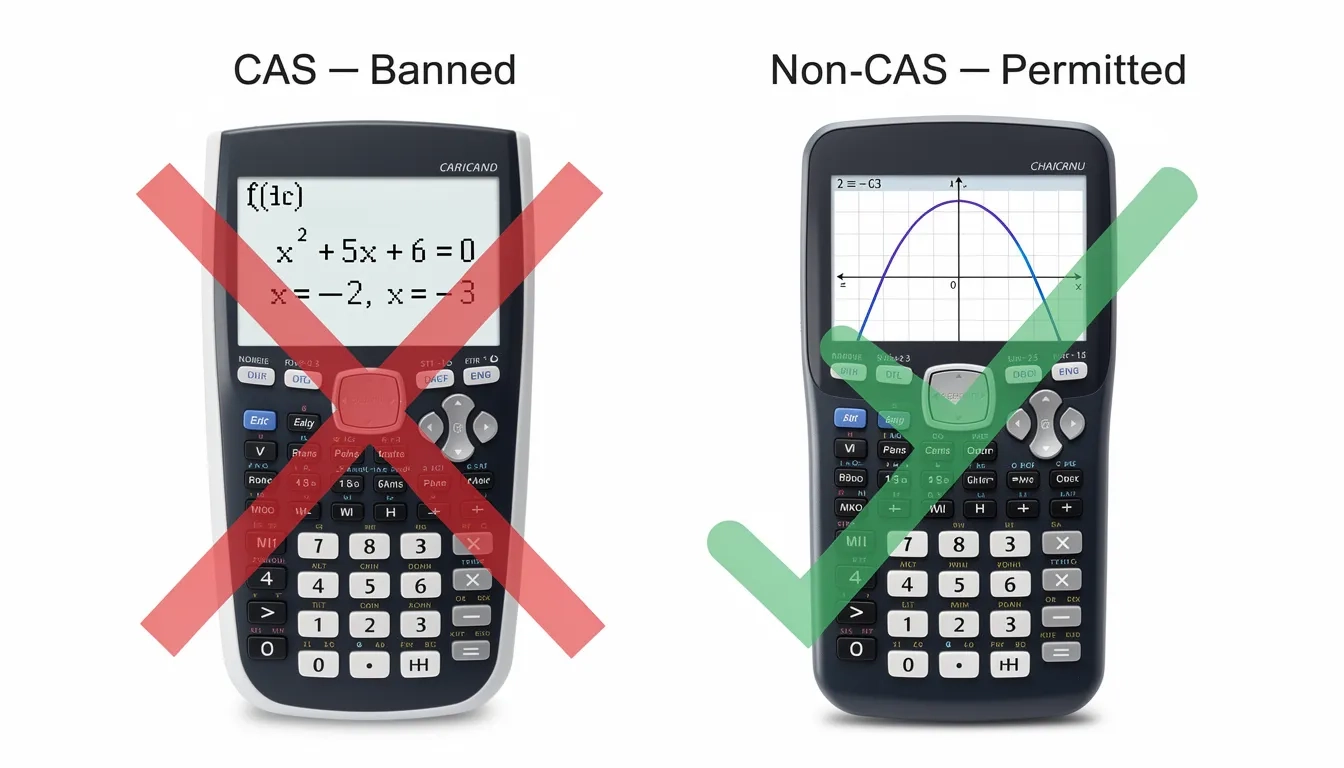
In August 2025, College Board quietly banned Computer Algebra System (CAS) calculators from the SAT. Just like that, the TI-89 Titanium and TI-Nspire CAS — tools that test prep blogs had recommended for years — became prohibited devices on test day. If you found an article written before that change telling you to buy one of those, you're reading outdated advice.
So let's start fresh. Here's what actually matters for 2026.
The Rule Change That Redrew the Field
A CAS calculator doesn't just crunch numbers — it manipulates algebra symbolically. Factor a polynomial, solve a system of equations symbolically, expand an expression. Basically everything the SAT's math section actually tests. College Board decided that tipped the scales too far.
The ACT had banned CAS calculators long before this. The SAT's ban brings the two tests into alignment for the first time, and it affects some of the most popular calculators in classrooms.
Specific models now banned on both the SAT and ACT:
- Texas Instruments: TI-89, TI-89 Titanium, TI-92 series, TI-Nspire CAS, TI-Nspire CX II CAS
- Casio: ClassPad 300, ClassPad 330, ClassPad 400, ClassPad II, fx-CG 500
- Hewlett Packard: HP Prime, HP 48GII, HP 40G, HP 49G, HP 50G series
If you own any of these, you need a replacement before test day. Many popular test prep sites still list some of these as top picks — check the publish date on anything you read.
Both tests also prohibit calculators with QWERTY keyboards, wireless or Bluetooth connectivity, cameras, or internet access.
What You're Actually Allowed to Bring
The good news: the permitted list is generous. Any graphing or scientific calculator without CAS qualifies for both tests.
Permitted categories:
- Graphing calculators (non-CAS only)
- Scientific calculators
- Four-function calculators (technically allowed, but genuinely not useful for test-level math)
For the digital SAT, there's also a built-in Desmos graphing calculator inside the Bluebook testing app, available throughout both math modules. We'll get into whether that changes your whole approach in a moment.
A rule that trips people up: you cannot share a calculator. Bring your own, make sure sound is off, and tape over any infrared port. Proctors have the authority to confiscate a calculator and disqualify your score if something looks off.
Top Calculator Picks at a Glance
| Calculator | Price | Type | SAT OK | ACT OK | Best For |
|---|---|---|---|---|---|
| TI-84 Plus CE | ~$118 | Graphing | Yes | Yes | Most students |
| Casio fx-9750GIII | ~$59 | Graphing | Yes | Yes | Budget buyers |
| Casio Prizm FX-CG50 | ~$90 | Graphing | Yes | Yes | Visual learners |
| TI-30XS MultiView | ~$17 | Scientific | Yes | Yes | Minimalists |
| TI-Nspire CX II (non-CAS) | ~$130 | Graphing | Yes | Yes | Power users |
| TI-Nspire CX II CAS | ~$150 | Graphing CAS | NO | NO | Neither test |
The TI-84 Plus CE: Why It's Still the Default
There's a reason the TI-84 Plus CE shows up in classrooms from rural Montana to suburban New Jersey. It's not because it's the most powerful option — it's because it's the most supported.
The case for spending ~$118: The color display makes it easy to distinguish multiple graphs at once. The rechargeable lithium battery lasts roughly a month of regular use, so the night-before battery anxiety doesn't apply. The newer CE model is 30% lighter than older TI-84 models, which actually matters across a four-hour test.
More than the hardware, it's the ecosystem. There are thousands of YouTube tutorials, Khan Academy walkthroughs, and AP exam prep resources built specifically around the TI-84 interface. If your teacher uses one in class, you already have a head start — the muscle memory transfers directly.
One thing worth saying plainly: every single test prep resource, proctor, and practice exam is built with this calculator in mind. That consistency has real value that doesn't show up on a spec sheet.
The only real downside? Price. And for that, there are solid alternatives.
Budget Picks That Actually Get the Job Done
The Casio fx-9750GIII handles everything you need for either test at around $59 — roughly half the TI-84's price. It runs on four AAA batteries for over 200 hours, has a natural textbook display that shows fractions and roots the way they appear in problems, and covers all the graphing a student needs.
The layout takes some adjustment if you're coming from TI. But a student who learns it well can absolutely hit a top score with it.
For students who don't want a graphing calculator at all, the TI-30XS MultiView costs about $17 and handles everything a scientific calculator needs to do. Four-line display, clean fraction input, approved on both tests. A lot of 1500+ SAT scorers have used this exact model.
The test doesn't require a graphing calculator. It requires someone who understands the math. A student who knows the TI-30XS cold will outperform a student fumbling with an unfamiliar TI-84.
Here's the honest take: the choice between a $59 Casio and a $118 TI-84 should come down almost entirely to which one you'll actually practice with.
The Built-In Desmos Question
This is the most interesting development of the last two years for SAT takers. The digital SAT includes a full Desmos graphing calculator embedded inside the Bluebook app, accessible throughout both math modules — not just the "calculator section."
Desmos is genuinely powerful. It graphs faster than most physical calculators, labels intersections automatically, and handles multiple functions on one screen with almost no friction. Students who use Desmos in pre-calc or AP Calculus daily may actually be quicker on it than on a TI-84.
So do you still need to bring a physical calculator? Yes. Technology fails. The app could freeze, your testing tablet could have a battery issue, or a proctor's setup could malfunction. Bringing your own calculator as a backup removes one variable on a day when you want fewer surprises, not more.
The smarter play: learn Desmos during your practice sessions, and bring a physical calculator you know well as insurance. Use whichever tool is faster problem by problem — some students graph on Desmos and compute on their TI-84 within the same module.
One thing worth flagging: the ACT has no built-in calculator. If you're taking the ACT, your physical calculator is your only tool. This shifts the ACT calculation slightly — comfort and speed with your device matter more there than on the digital SAT.
Test Day Calculator Strategy
Picking the right model is the easy part. What most students skip is the deliberate practice phase, and that's where points actually come or go.
A few things that genuinely matter:
- Use your exam calculator for every single practice session. Not sometimes. Every time. Switching calculators the week before the test is a real liability.
- Know three core functions cold: how to graph a function, how to find an intersection point, and how to use the table feature. These cover somewhere around 80% of calculator-relevant SAT and ACT problems.
- Install fresh batteries the night before, even if you're confident the current ones are fine. The $2 of AAA batteries is the cheapest insurance you can buy.
- Bring a backup if you have one. Proctors permit switching between calculators mid-test. You cannot share with another student, but a dead device doesn't have to end your session.
Also: the calculator section is only part of the math picture. Some problems are genuinely faster solved by hand or mentally. Don't reach for a calculator reflexively — recognize when algebra or estimation is the quicker path. Students who grab the calculator for every problem often run out of time before the section ends.
Bottom Line
- For most students, get the TI-84 Plus CE. It's the safe, supported, field-tested choice. At ~$118, you'll use it through AP classes and into college, so the investment makes sense.
- On a tighter budget, the Casio fx-9750GIII at ~$59 is the best value graphing option available. Give yourself two or three weeks to learn the layout.
- For the digital SAT, learn Desmos — it's built in, free, and faster for graphing than most physical options. Still bring a physical calculator as a backup.
- For the ACT, same permitted models apply, but there's no built-in calculator. Your physical device is all you have.
- Check your current calculator now. If you own a TI-89, TI-Nspire CAS, HP Prime, or any Casio ClassPad model, those are banned from both tests. Verify the model number before test day.
Frequently Asked Questions
Can I use the TI-Nspire CX II on the SAT and ACT?
Yes, but only the non-CAS version. The TI-Nspire CX II standard is permitted on both tests. The TI-Nspire CX II CAS is banned. The packaging looks nearly identical, so check the model number carefully — "CAS" will appear explicitly in the name if the unit has those capabilities.
Is the built-in Desmos available during the entire SAT, or just part of it?
The Desmos calculator in Bluebook is accessible throughout both math modules, including what used to be the "no-calculator section." This is one of the more significant design decisions in the digital SAT format, and many students don't know it until test day.
Does it matter what calculator I choose if I'm aiming for an average score?
Honestly, not much. Calculator choice directly affects maybe 5 to 10 questions on either test. What moves scores is understanding the underlying math concepts. Pick something approved, learn it well, and focus your prep time on content rather than hardware.
My calculator has algebra programs I downloaded. Can I use it on the SAT?
No. College Board explicitly requires that you delete any algebra-manipulation programs before the test. Proctors can ask you to clear your calculator's memory on the spot. Don't risk a disqualification — wipe custom programs and do a factory reset before test day.
Can I bring two calculators to the ACT?
Yes. ACT policy allows you to bring a backup calculator and switch between them during the Math section. You just cannot share with another student, and calculators can only be used during the Math test — not Reading, English, or Science.
Is a four-function calculator worth bothering with?
Technically permitted, but no. A four-function calculator handles addition, subtraction, multiplication, and division. Both the SAT and ACT regularly ask questions involving square roots, exponents, trigonometric functions, and graphing — none of which a four-function handles. Spend the $17 on a TI-30XS MultiView and you'll be in much better shape.
Sources
- SAT Calculator Policy – College Board
- College Board Updates SAT Calculator Policies: No More CAS Calculators – ArborBridge
- Which Calculator Can I Use on the Digital SAT? – Test Innovators
- Best Calculators for the SAT Math Section – Sojourning Scholar
- Best Calculators for SAT & ACT: Approved Models + Usage Tips – Tutor Doctor